
What are tickets?
A ticket is a uniquely numbered record of your communication with us, allowing efficient tracking and routing to the appropriate team that will address your question or resolve your issue. It serves as a direct and personal form of communication.
Freshdesk hosts the support.microbit.org Knowledge base and support site. When you use the platform, Freshdesk collects your email address, device metadata (such as browser and operating system), and any additional information you provide in a support ticket, all in accordance with their privacy policy. If you create an account on the system, Freshdesk will also store your password.
Currently, if you would like your email address removed from the Freshdesk system, please contact help@microbit.org.
How do I log a ticket?
microbit.org
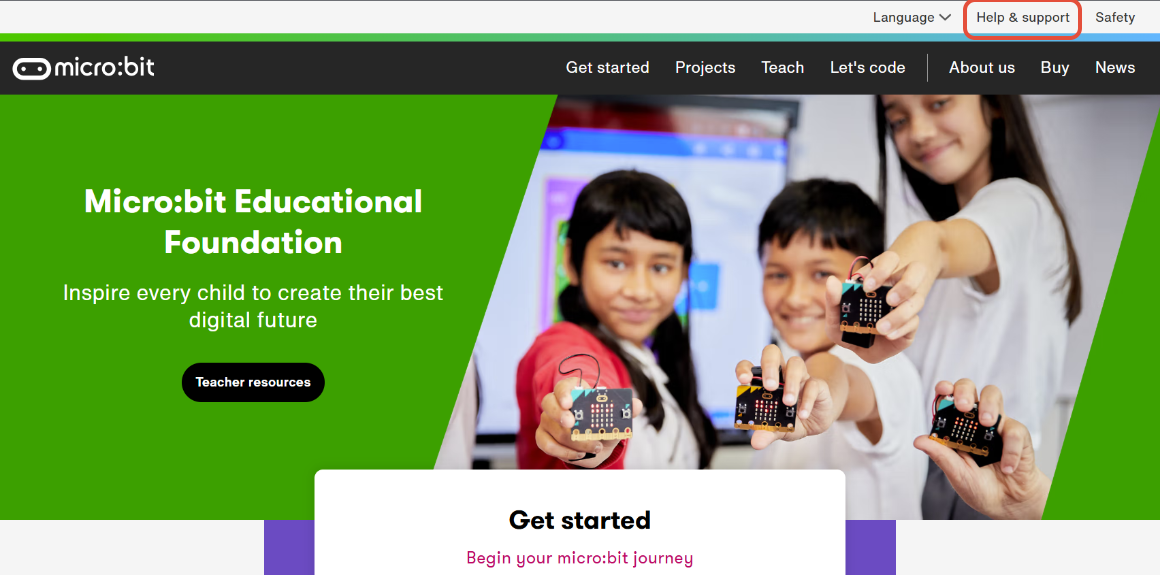
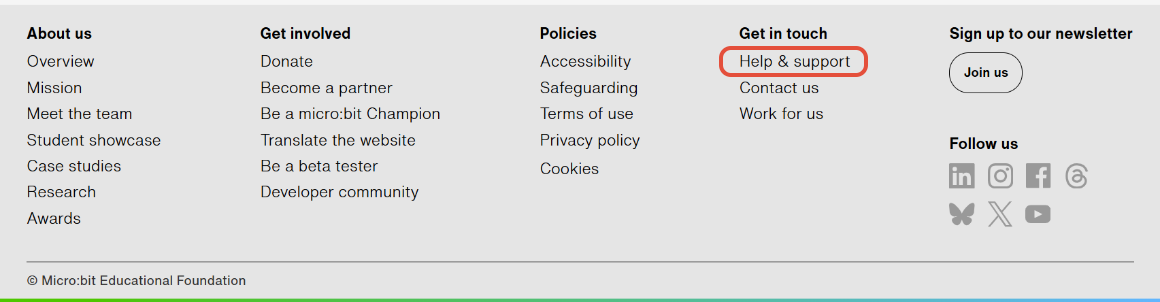
On the www.microbit.org site, you'll see a link at the top right of the screen and at the bottom of each page. Clicking on this link will take you to support.microbit.org
support.microbit.org
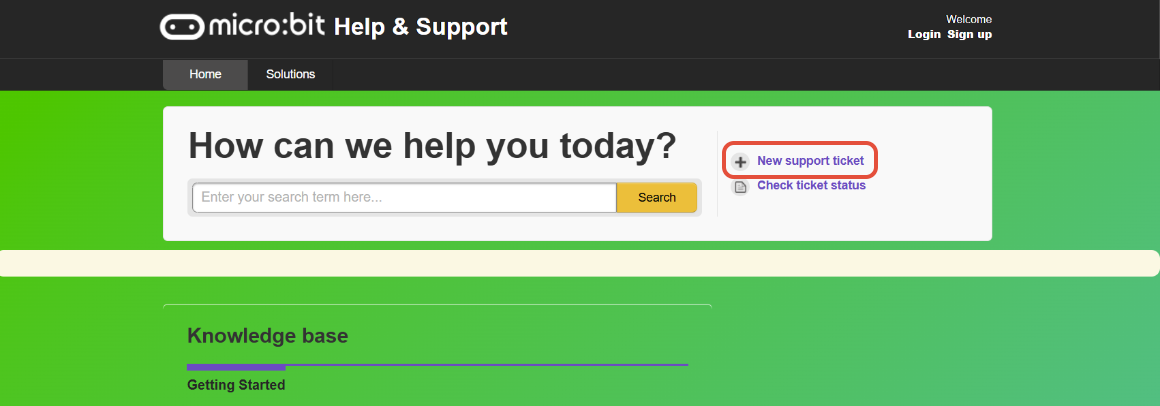
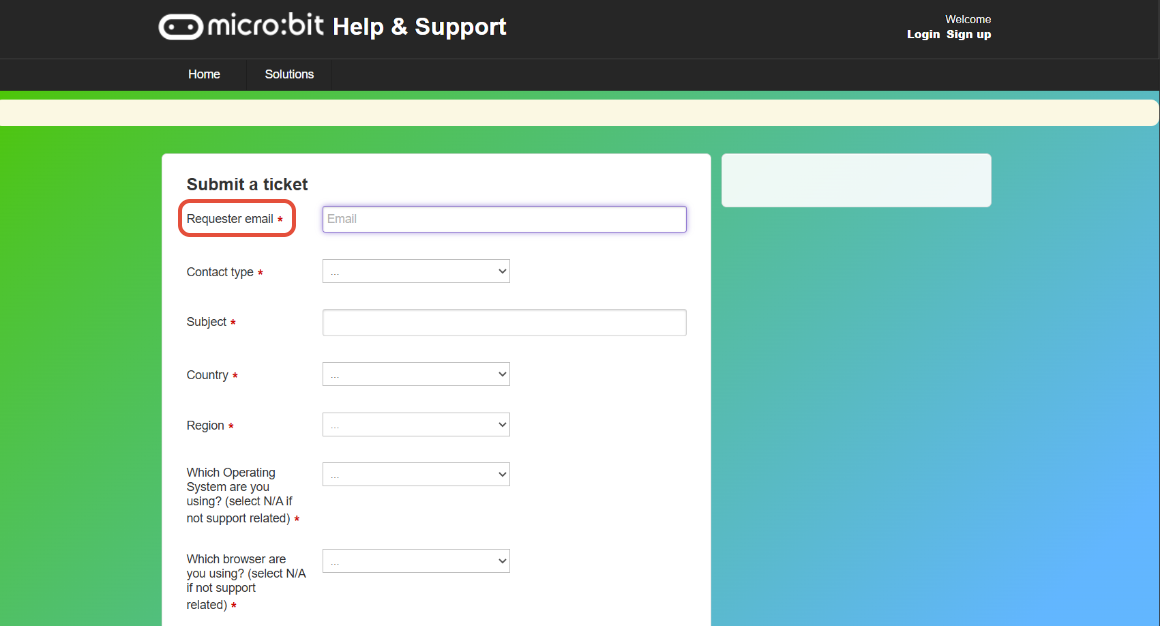
On the support.microbit.org website, you can create a new support ticket by clicking the option in the top right corner of the page. This will open a form where you can enter the details. Fields marked with a red asterisk are required.
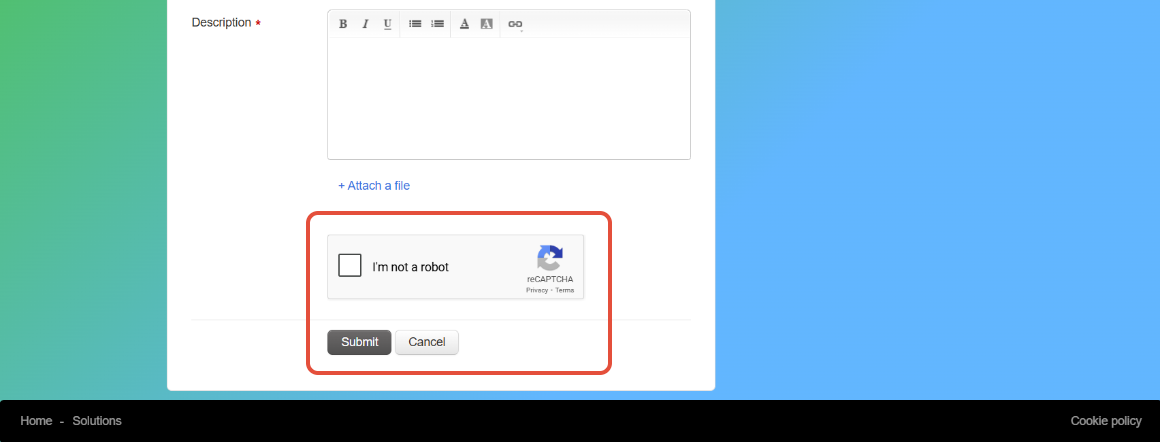
Before submitting a ticket, you will be required to verify your ticket via Captcha. This is not fully accessible for users who may require non-keyboard use. If this is the case, then we recommend you submit a ticket via email, see below. Freshdesk, our Support Desk software provider, offers this Captcha service.
I got an email about "User Activation"
You do not need to activate your user account if you prefer not to. We can still assist you with your questions and problems without an account.
However, if you anticipate needing to submit multiple support tickets in the future and want to track their status, you can activate your account by following the User Activation link in the email. After signing up, you can log in to view all your tickets.
Rest assured, we will always keep you updated via email about the status of your tickets as we work on them.
You can always email us at help@microbit.org.
Please provide a short description of the problem and let us know which Operating System, browser, and micro:bit version you are using. You can also share a MakeCode project, a Python script (.py), or screenshots if this helps explain the issue more clearly.